Aimbot Options
Tune how aim assist tracks players in WARDOGS.
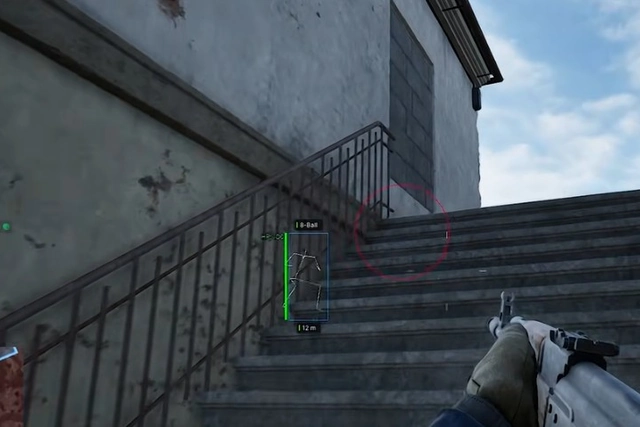
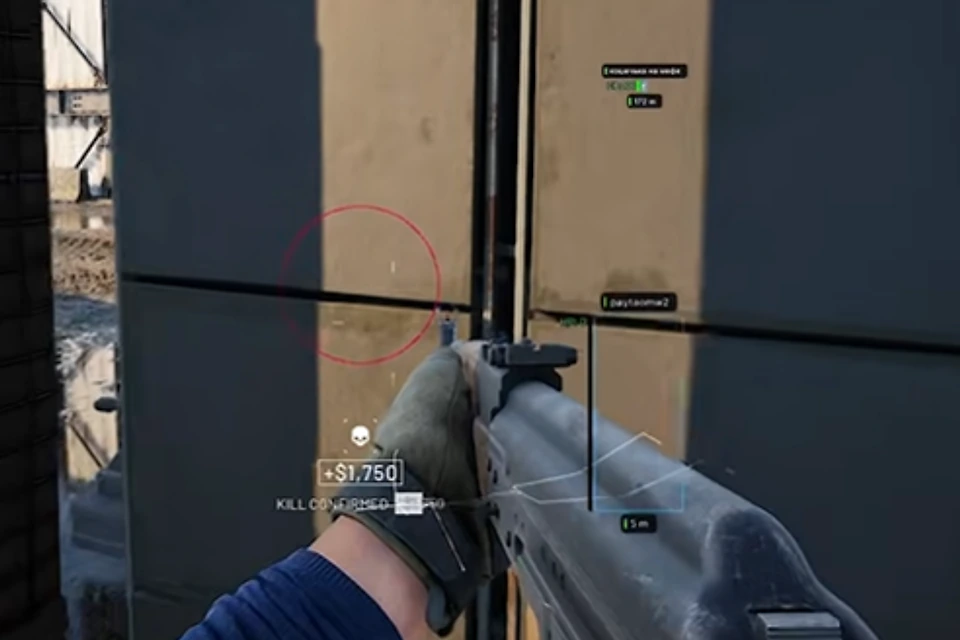
Turn aimbot on, set FOV and smoothness, then pick a bone before you fight.
- Enable Aimbot
- FOV
- Smooth
- Bone Selection
- Visible Check
- Prediction
- Draw FOV
- Draw Target Line
Player Visual Options
See players through walls with boxes, skeleton, and distance tags.
Keep only the overlays you need so the screen stays readable.
- Box
- Skeleton
- Head Circle
- Health Bar
- Distance
- Name
- Team / Squad
- Weapon
- View Direction
- OOF Arrows
- Max Distance
Vehicle Visual Options
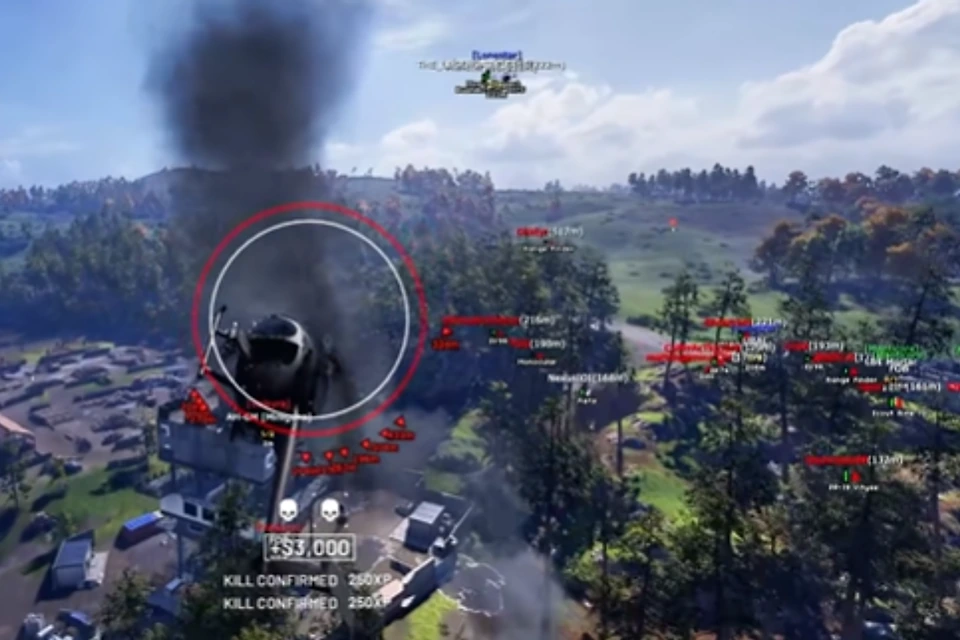
Spot vehicles before you push or rotate.
Filter type, distance, and whether a vehicle is occupied.
- Vehicle ESP
- Vehicle Type
- Vehicle Distance
- Occupied / Empty
Radar Options
A simple 2D radar for threats outside your view.
Mark players and vehicles without filling the whole screen.
- 2D Radar
- Player Markers
- Vehicle Markers
- Radar Range
Misc Options
Extra combat and visual tools in the same license.
Save a config so your setup loads the same way next session.
- No Recoil
- No Spread
- Full Bright
- Custom Crosshair
- Config System (Save / Load)
Official game guides & resources
We link to trusted third-party sources so you can verify patch notes, player stats, and map info outside our site.
- WARDOGS on PC Official store page, system requirements, and player reviews.
- WARDOGS patch notes & news Read official update posts before you change your loadout.
- Official WARDOGS website Game overview from Bulkhead.
- WARDOGS enforcement & security Official anti-cheat and enforcement policy.
- WARDOGS community hub Announcements and community discussions.